How do I add my affiliate referral link to a blog post?
< 1 min read
You can easily use your affiliate link when sharing our blog posts so that you can get a commission if those result in a sale!
In order to do so, you simply need to use the blog post URL to generate a new referral link.
Let’s say you want to add your referral link to our blog post https://www.healthinomics.com/the-best-12-social-media-automation-tools/
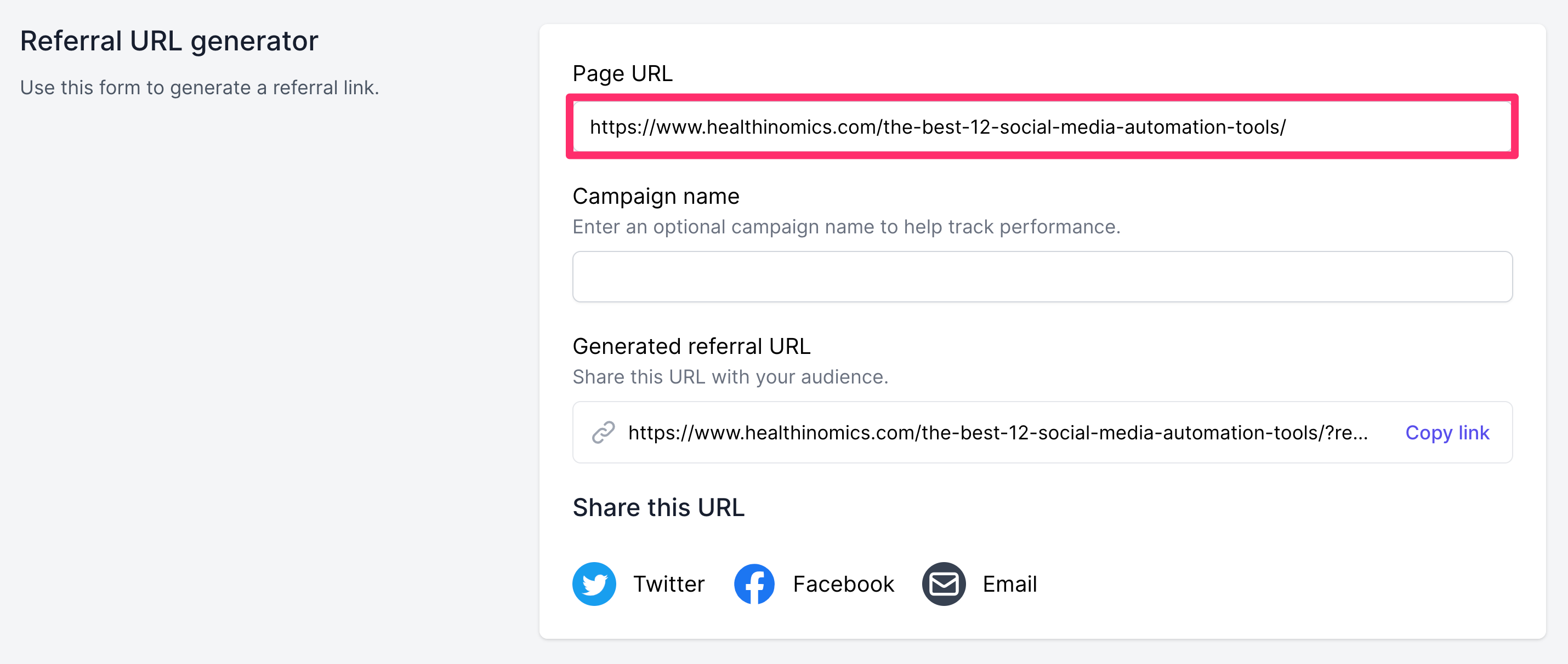
- On the Affiliate URLs page under “Referral URL generator” enter the blog post URL in the Page URL field:

- In the Generated referral URL field, your referral link will be added to the end of the blog post URL. It will look something like this – your unique referral link will appear at the end (highlighted in bold below):https://www.healthinomics.com/the-best-12-social-media-automation-tools/?ref=healthinomics
- Click Copy link to share the blog post or instantly share the URL via Twitter, Facebook or Email using the icons prov.